
Everything your agents need. In one system you own.
The chat your teams use, the agents that do the work, the models behind them, the connections to your systems and the controls that keep it safe.
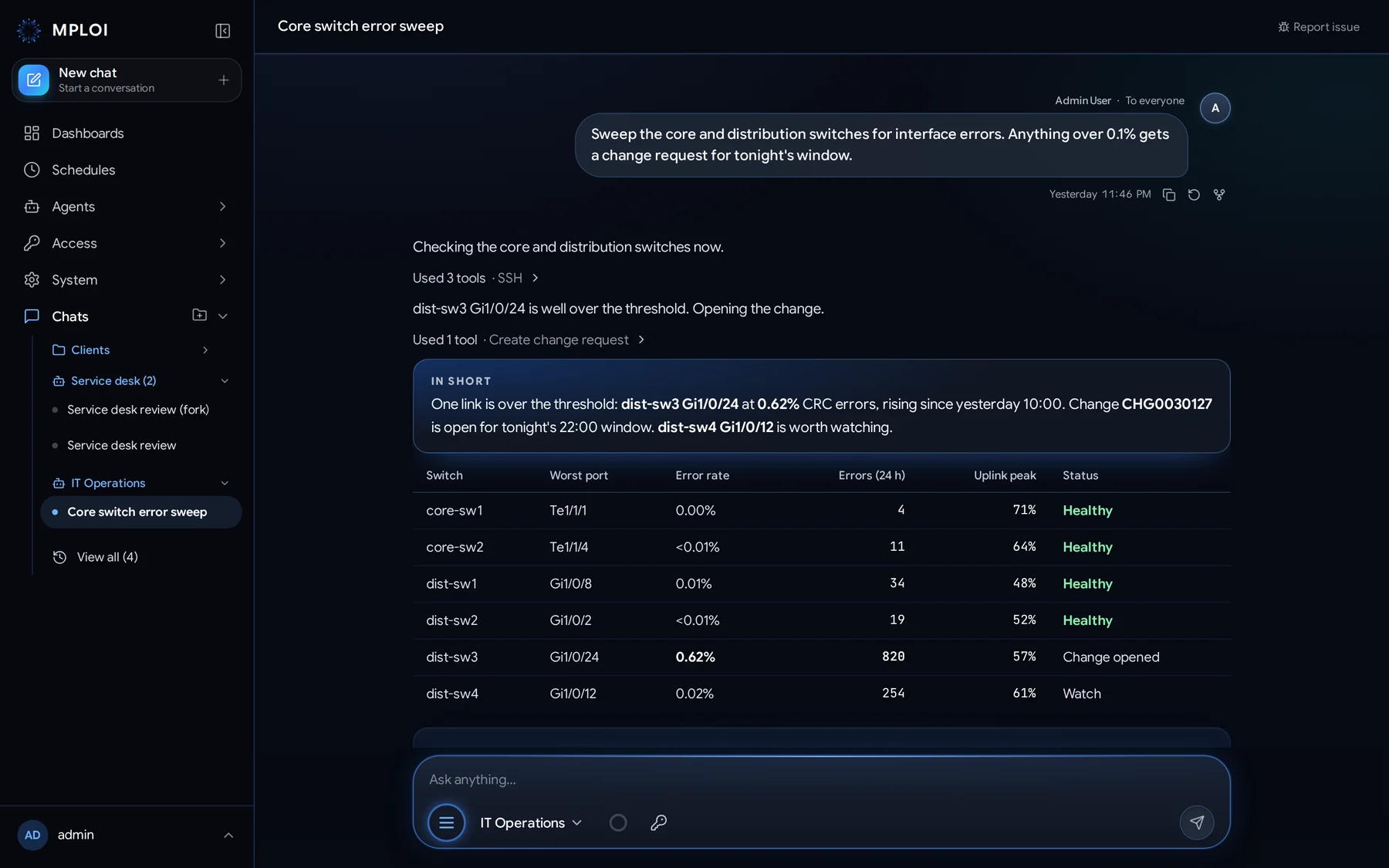
One place to ask, act and decide
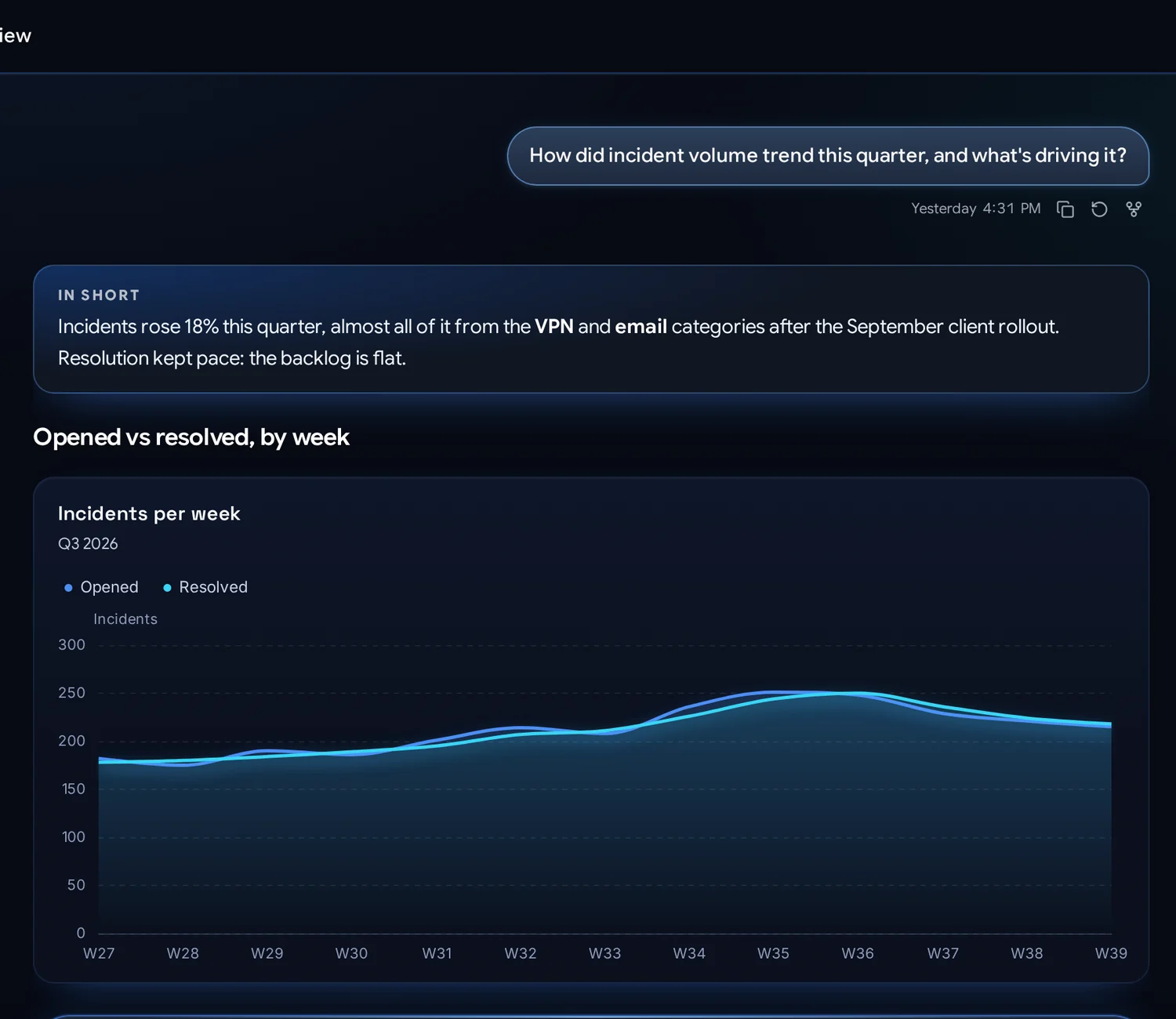
People talk to agents in plain language, on the web, on their phone or in Slack. Replies lead with the answer, then show the evidence.
- Live charts, tables, diagrams and visuals right in the reply
- Every tool call shown, with its input and result
- Attach anything: PDFs, Office files, spreadsheets, images, audio and video
- Shared chats, folders, pins, forks and full history
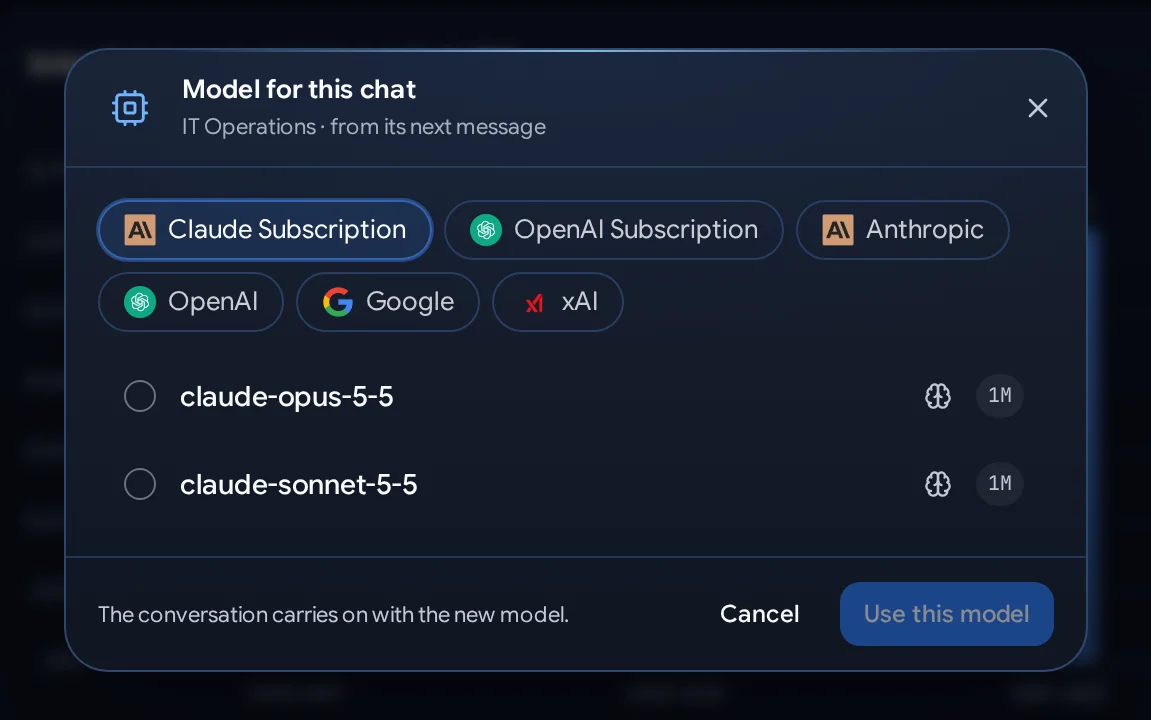
Many plans on one agent. Switch in a click.
Give an agent Claude and ChatGPT subscriptions, API models from every major provider and models you host yourself. People pick per chat, and the conversation carries on: nothing is lost, nothing starts over.
- Subscriptions: people use their own Claude or ChatGPT plan
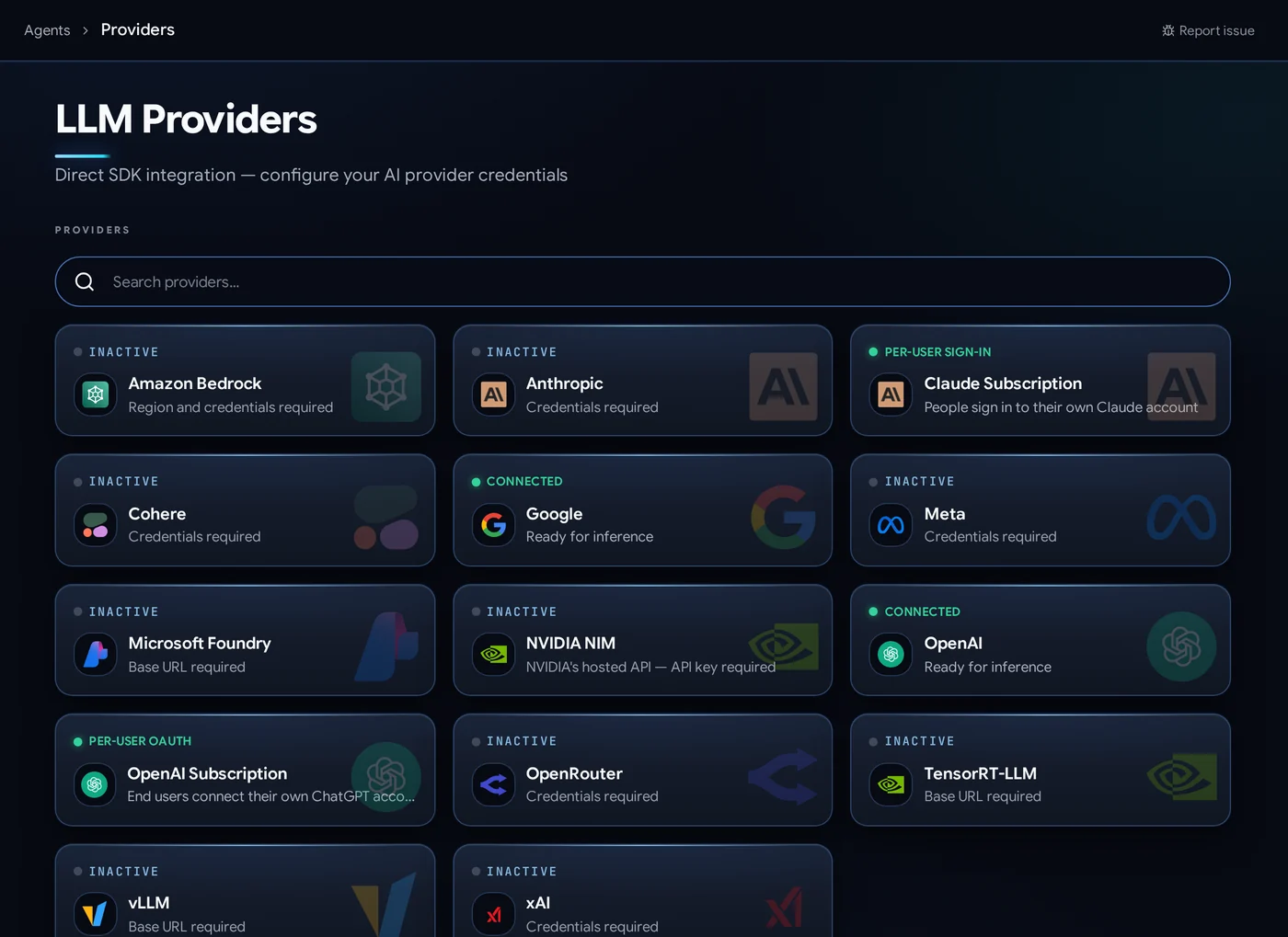
- Commercial APIs: Anthropic, OpenAI, Google Gemini, xAI, Cohere, Amazon Bedrock, Microsoft Foundry
- Self-hosted: vLLM, NVIDIA NIM and TensorRT-LLM for fully private AI
- Your context stays yours, on your servers, whichever model answers










Agents, teams and helpers, without code
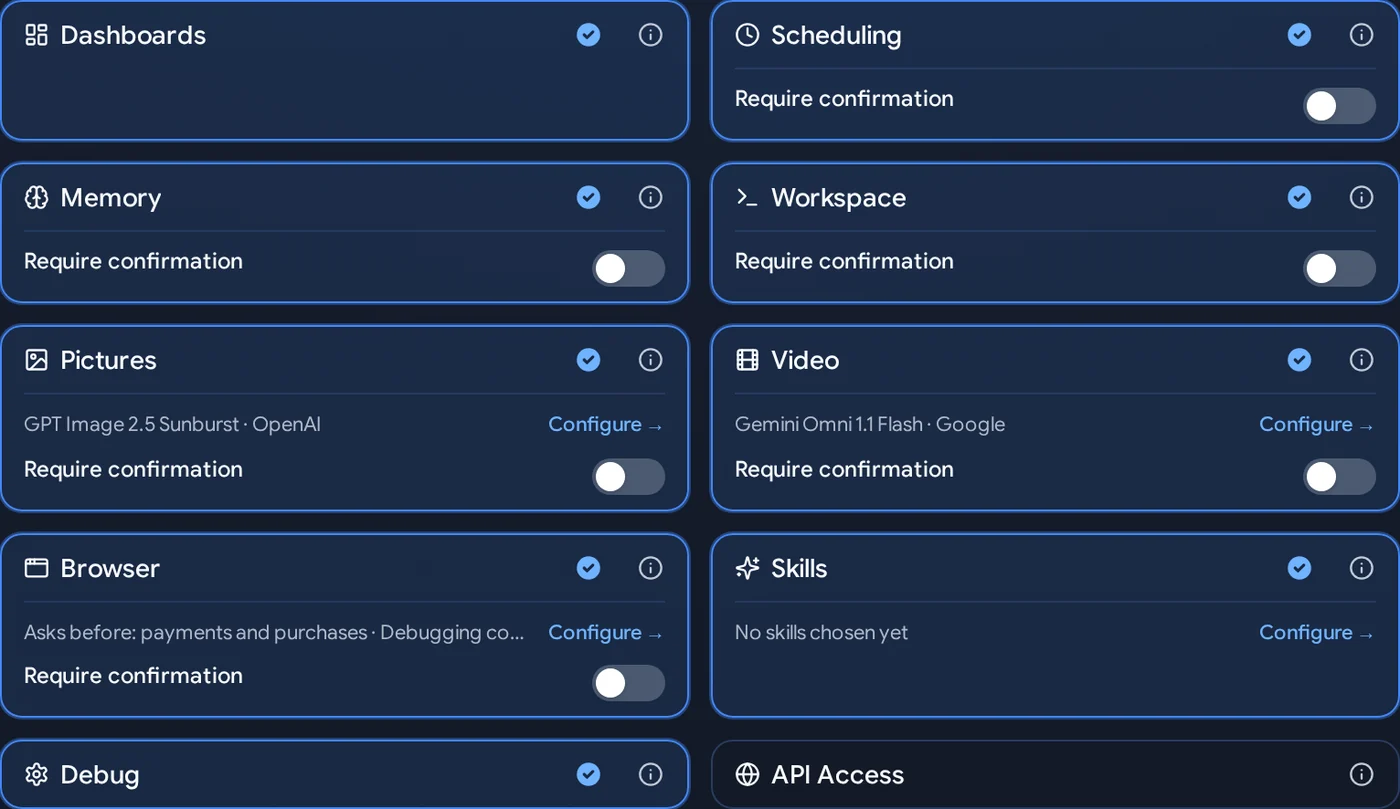
An agent is instructions, a model, tools and guardrails. Switch on what it may do; mark what needs a person's OK.
- Capabilities: dashboards, schedules, memory, a workspace, pictures, video, your browser, skills
- Agent teams: a supervisor hands work to specialists, in order or in parallel
- Sub-agents: one agent splits a big job across helpers working at once, each shown live
- Skills: expert instructions from a ready catalog or your own
- Memory per person, which people can review and remove
If it has an API, a command line or an MCP server, agents can work with it.
Native connectors sign each person in with their own account, so agents act with their permissions. Tools reach every device, server and API. A few of the systems MPLOI works with:

Microsoft 365
Mail, calendar, contacts, OneDrive, SharePoint, Teams chats and channels, meetings and transcripts, Planner, To Do and OneNote. Work and personal Microsoft accounts.

Google Workspace
Gmail, Calendar, Drive, Docs and Sheets.

ServiceNow
Incidents, changes, problems, approvals, the CMDB, the service catalog and knowledge articles.

Jira & Confluence
Issues, sprints and comments; pages and spaces.

Slack
Read and post in channels and threads, files, reactions, and an MPLOI app in Slack.

GitHub
Repositories, files, branches, pull requests and reviews, issues, Actions, releases and security alerts.

GitLab
Projects, merge requests, pipelines, issues and releases, on gitlab.com or your own server.

Microsoft Azure
Resources, costs, metrics, logs, deployments, networking, databases, Key Vault and Container Apps.

Google Cloud
Projects, IAM, logs, metrics, BigQuery, Compute, GKE, Cloud Run, storage and more.

AWS
Amazon Bedrock models, and AWS services through MPLOI's API tool or the AWS command line in an agent's workspace.

Cloudflare
DNS, cache, SSL/TLS, WAF and rules, Workers, Pages, R2, Tunnels, Zero Trust Access, load balancing, analytics and audit logs.

Figma
Read designs from a link: pages, frames, layers, components, styles, versions and comments, for design-to-code work.
SSH for network gear and servers
Run show commands and push configuration to Cisco, Juniper, Arista, Palo Alto, Fortinet, F5 and any Linux or Unix server. Configuration changes go in one session, with the device's own prompts.
PowerShell and Windows
Run PowerShell and command-line tasks on Windows servers and desktops.
Any REST API
Call any HTTP API, from VMware vCenter and Cisco Catalyst Center to your own services. Credentials go in as placeholders the server fills in; the AI never sees them.
Databases
Query PostgreSQL, MySQL, SQL Server, Oracle, Snowflake and more, read-only or with approval.
Network protocols
SNMP, NETCONF, ping and routing checks for live state across the estate.
MCP servers
Connect any Model Context Protocol server and give its tools to the agents you choose.





Access that is scoped, timed and always visible
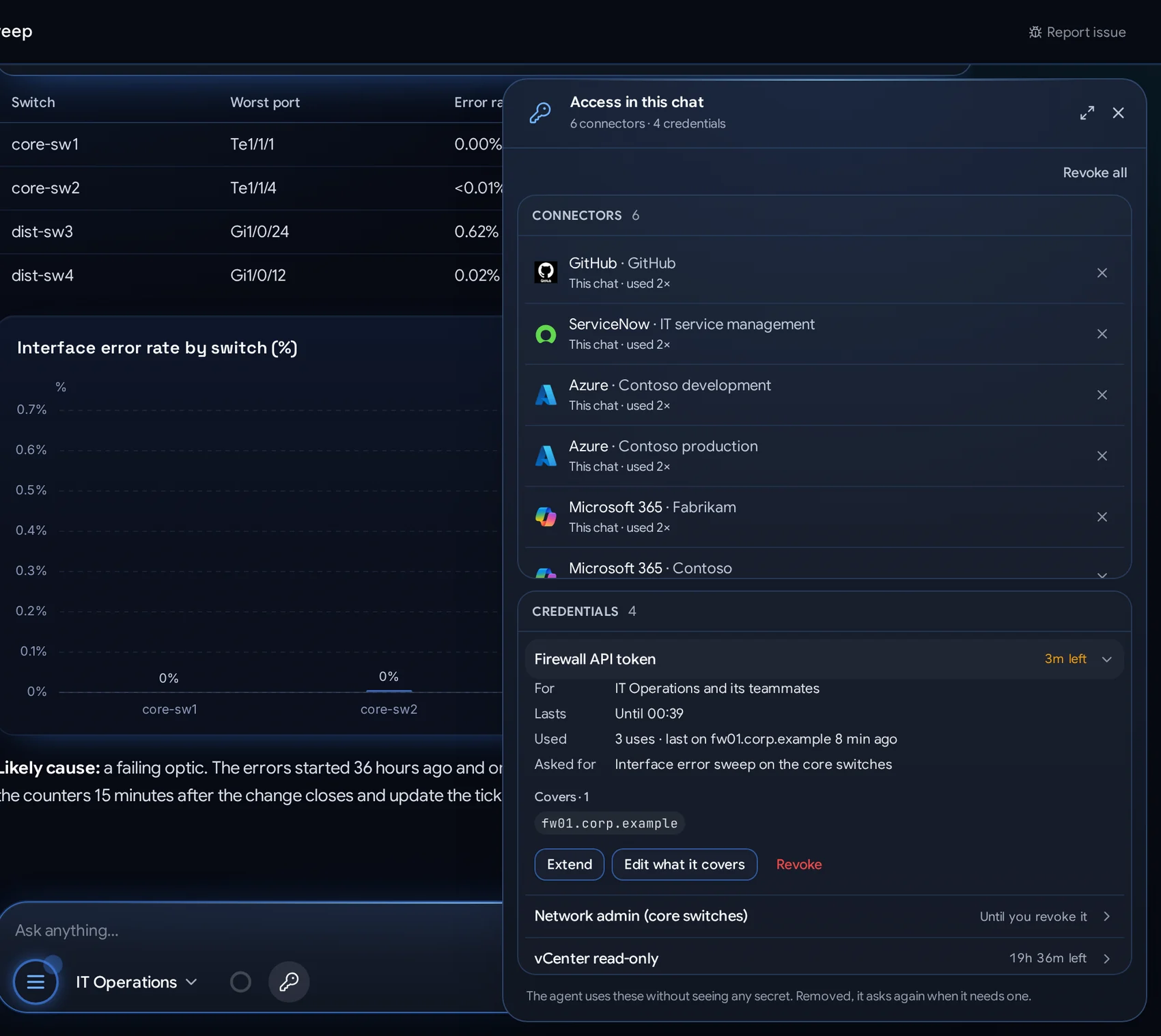
Each chat shows exactly which connector accounts and credentials it may use, and for how long. Several accounts of one service work side by side.
- Per chat, schedule or dashboard: one command, 10 minutes, a day, a week or until revoked
- Many accounts at once: production and development tenants in the same conversation
- Extend, narrow or revoke from the chat's Access pane
- Encrypted, never shown to a model, every use logged
Dashboards built, run and answered by agents
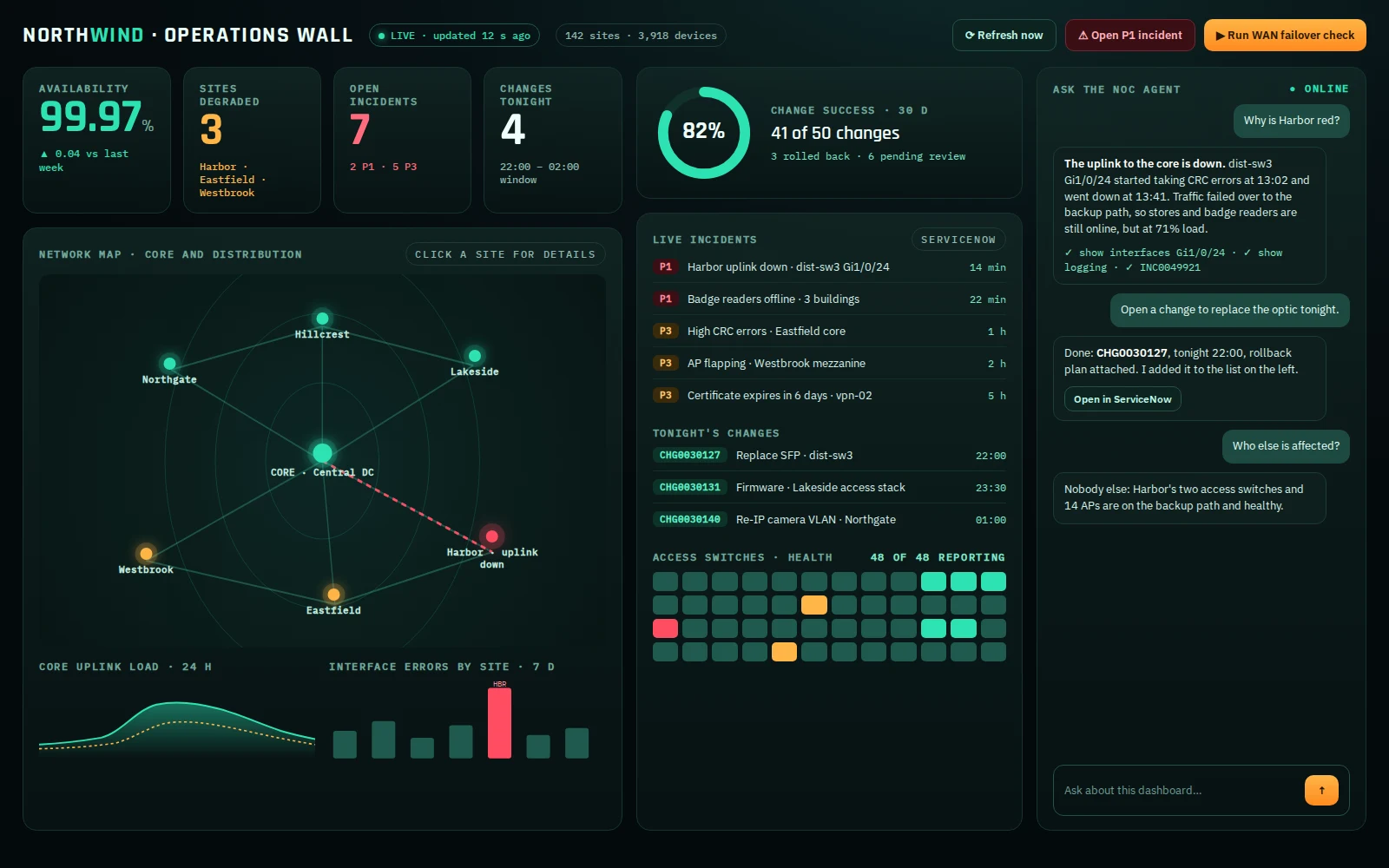
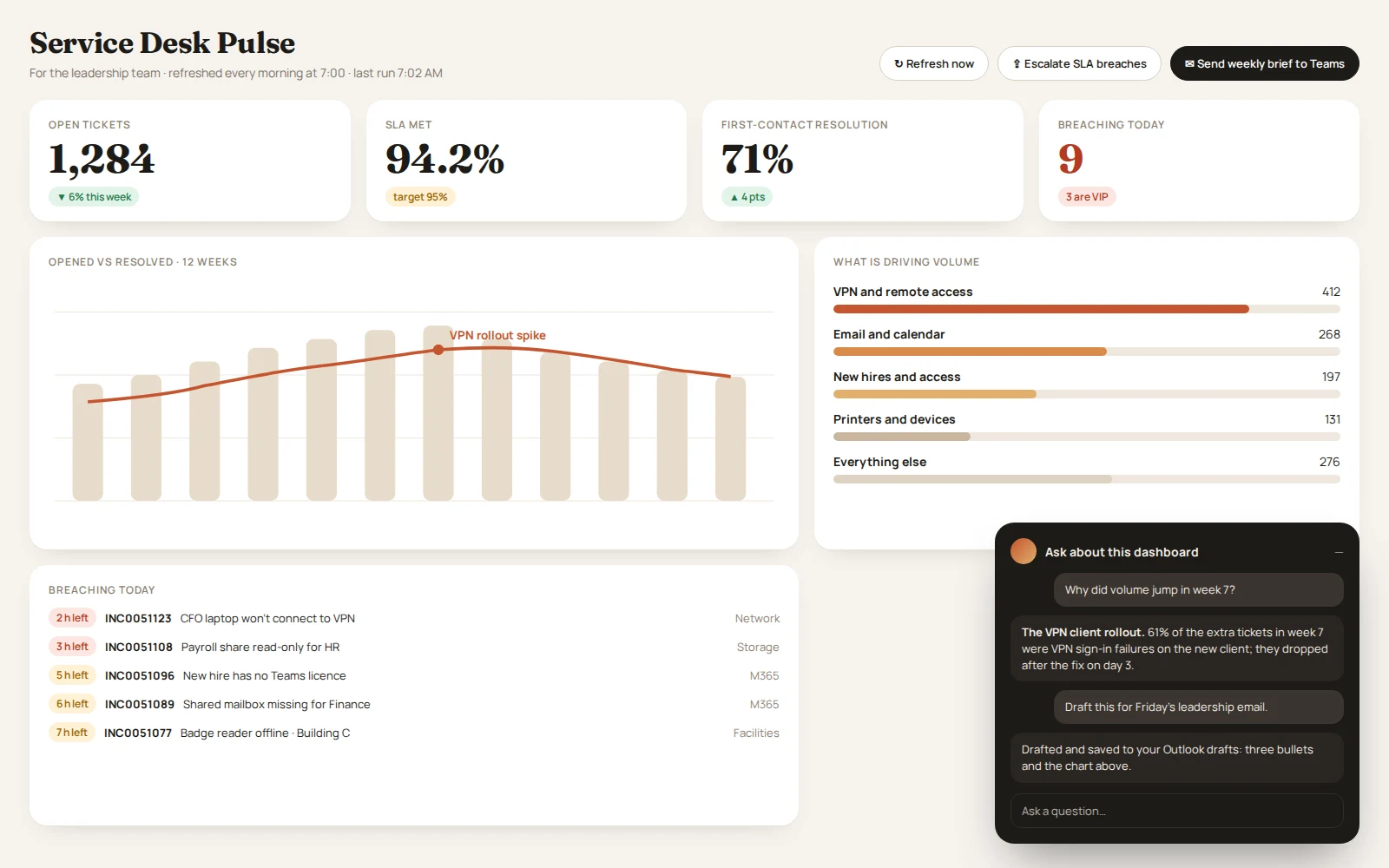
A dashboard in MPLOI is not a chart template. It is a page an agent designs for exactly the people who use it, filled from your systems by agents on a schedule, with buttons that send agents to work and a chat agent built in. Three agents share the work, each with its own job and its own guardrails.
The design agent builds it
- Describe it in your own words: who it is for, what it shows, where the data comes from, how often it updates
- It asks for what is missing with short question cards, and a checklist shows what is settled
- It asks for access to each data source; you choose the credential, the hosts and for how long
- It runs a real test against your systems before it builds anything
- Any look you ask for: your colours, fonts, layout and charts; it checks every change on a desktop and a phone
- Refine it in plain words; it works on a draft and never publishes by itself
The action agent keeps it current
- Runs every few minutes, hourly, on weekdays at 7 or on any schedule
- Collects from devices, servers, clouds, ServiceNow, Microsoft 365, databases and any API
- An agent team can share the work, a specialist per source
- Remembers earlier runs when you want trends and changes
- Never changes the page itself: only the values
- Every run is recorded with its full transcript, its status and any problem it hit
People act on it
- Buttons start an agent run with their own instructions: "Run a failover check", "Escalate breaches", "Send the brief to Teams"
- Who may press: everyone who can open it, signed-in people, editors, or chosen groups
- Files dropped on the page go to the agent with the next button press
- A chat agent answers questions about the page, with its own instructions and tools
- Share by link, show it full screen on a wall, or open it on a phone
Each agent may do only its own job
- Runs use the tool and connector access granted to the dashboard, from the vault, time-boxed and revocable
- The chat agent uses each viewer's own access, so people only see what they are allowed to see; each conversation is private
- The chat never changes the dashboard, and the design agent only ever changes the draft
- Draft and publish: viewers see the published version until an editor publishes the new one
- Who may view, chat and press is set per dashboard, down to groups
- Every run, button press and chat is in the activity log
Work that happens without anyone asking
Agents run on a schedule, keep dashboards current and answer other systems.
- Schedules: daily checks, weekly reports and reminders, delivered where you want them
- Dashboards that agents build and keep current (see below)
- Agent API: call any agent over REST from your own apps and workflows
- Slack: talk to agents in channels and threads
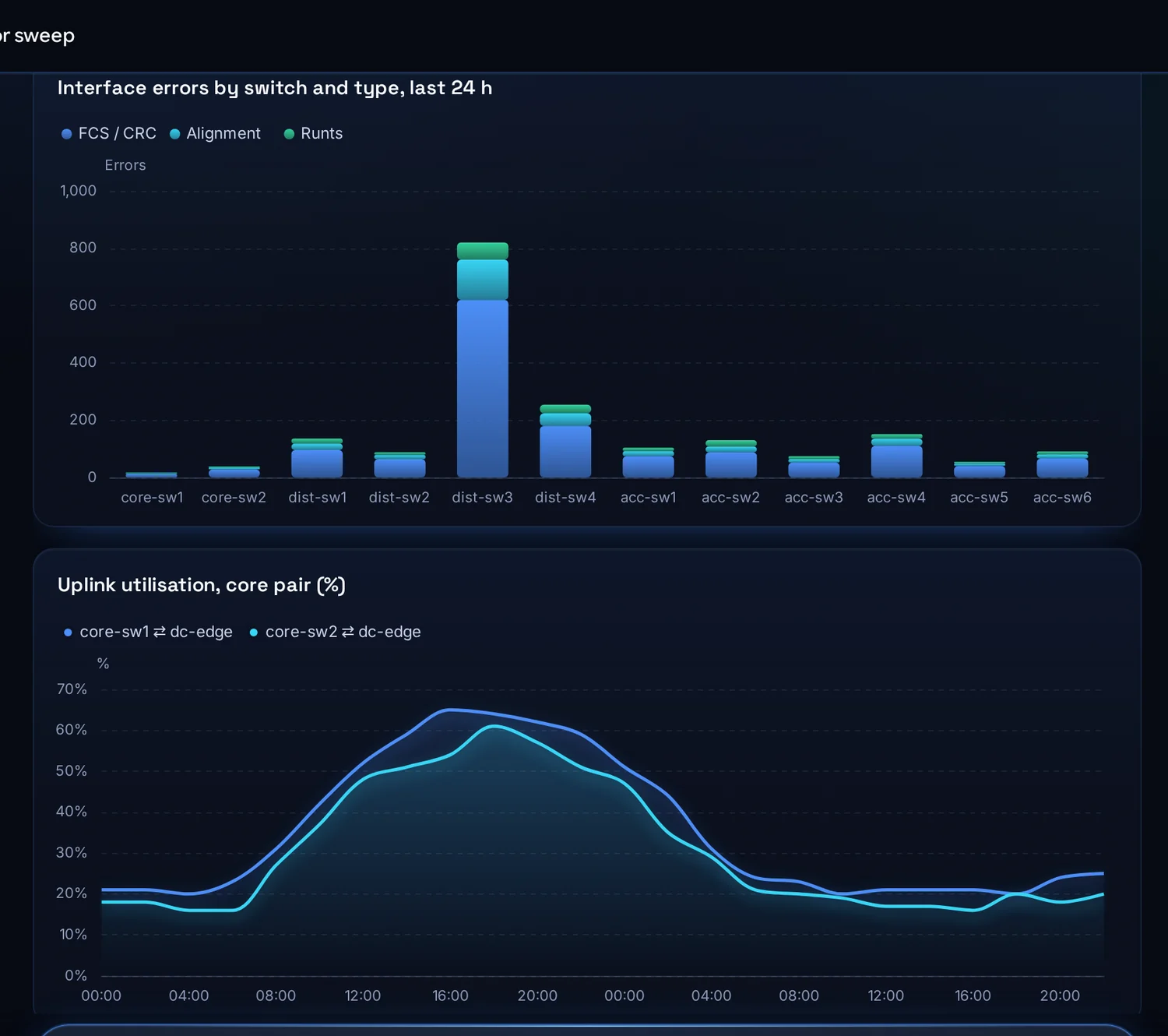
Deliverables, not just text
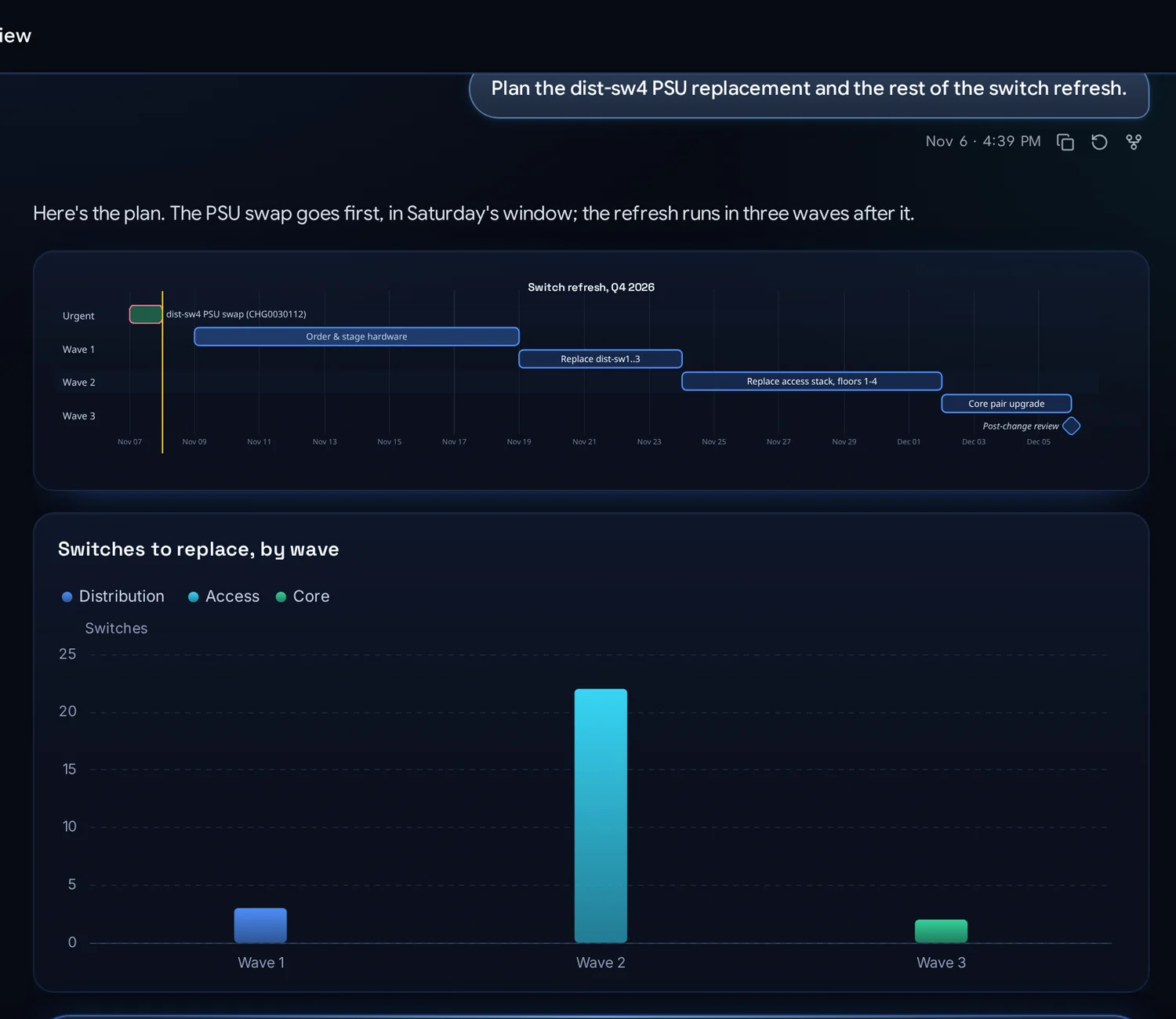
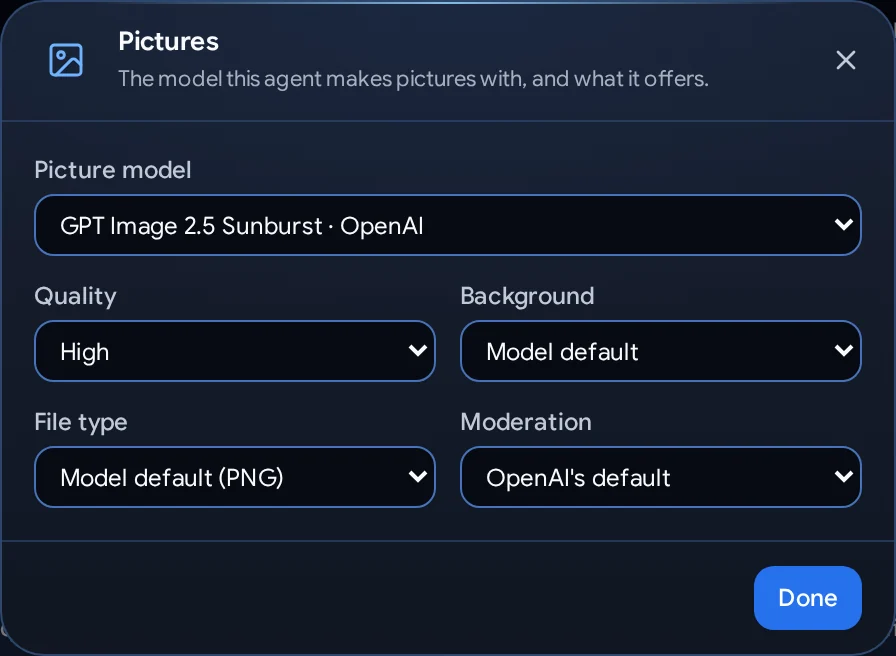
Word, Excel, PowerPoint and PDF files made from your templates and data. Charts and timelines in the reply. Pictures and short videos with the image and video models you choose for each agent.
Knowledge search
Load documents, sites and code into collections. Agents search them by meaning and answer with sources.
Workspaces & apps
A private workspace per person where agents run code, work on Git repositories and build apps to share.
Your own browser
With the Browser Helper for Chrome and Edge, agents work in web apps you are signed in to, with approval before anything is submitted.
On your phone
Install MPLOI as an app. Chat, approve steps and check dashboards from anywhere.
Run it like the enterprise system it is
- Single sign-on with OpenID Connect, SCIM provisioning, users and groups
- Microsoft Entra Agent ID: agents get identities of their own in your Microsoft tenant
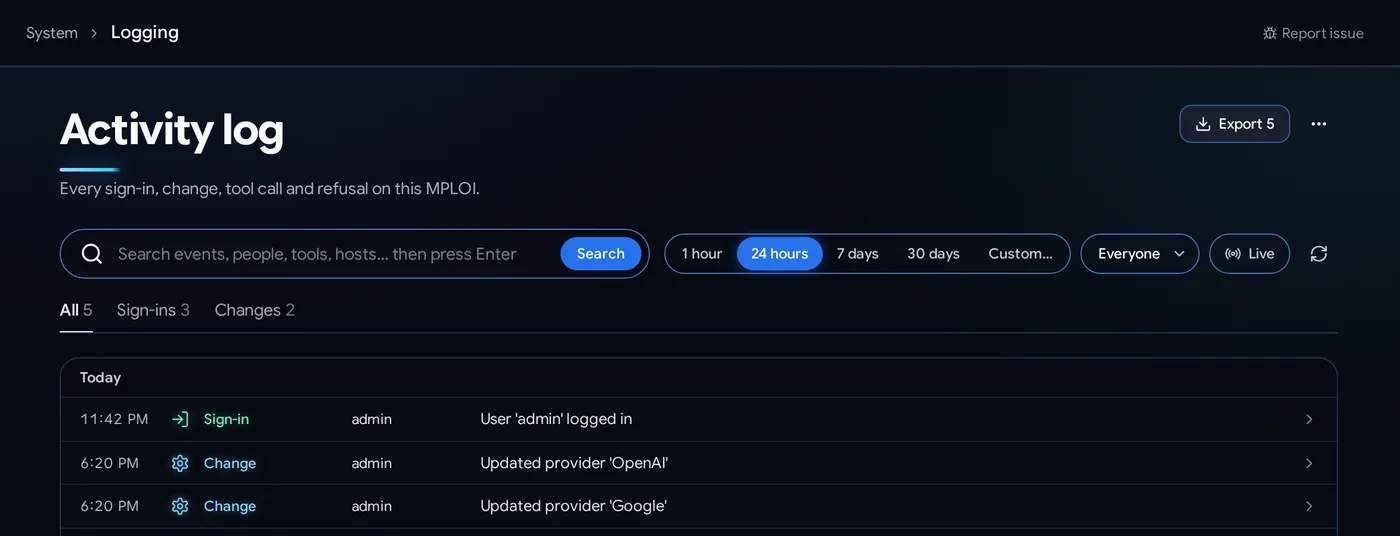
- Activity log of every sign-in, change and tool call, with export
- Backups and restore, and signed upgrades online or offline
- Model catalog updates without upgrading MPLOI
- API tokens and the full REST API
See it on your systems
We will show MPLOI working against the devices, clouds and apps you run today.